
The David Essery App is Here


Why I created the app
Technology has always been a big part of my life. For a long time, I’ve known that part of my pathway is to help bring people together through technology, especially within the spiritual community.
This app is one small step in that journey, laying the foundation for more to come.
My hope with this first release is to make my work easier for you to access, providing a convenient place to join your booked workshops, revisit your available recordings and explore my latest videos and articles.
Explore, revisit and stay connected
A more direct connection
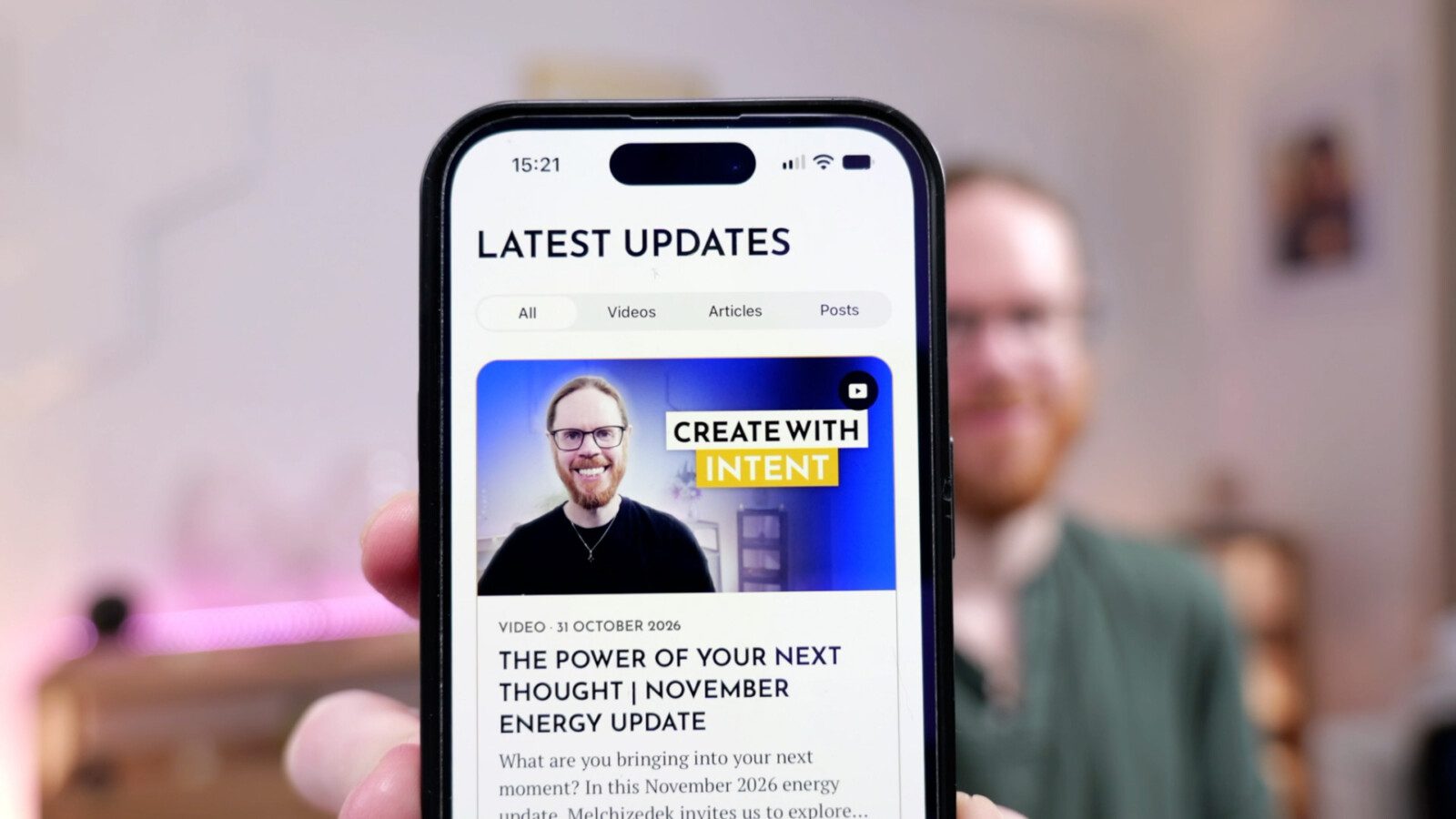
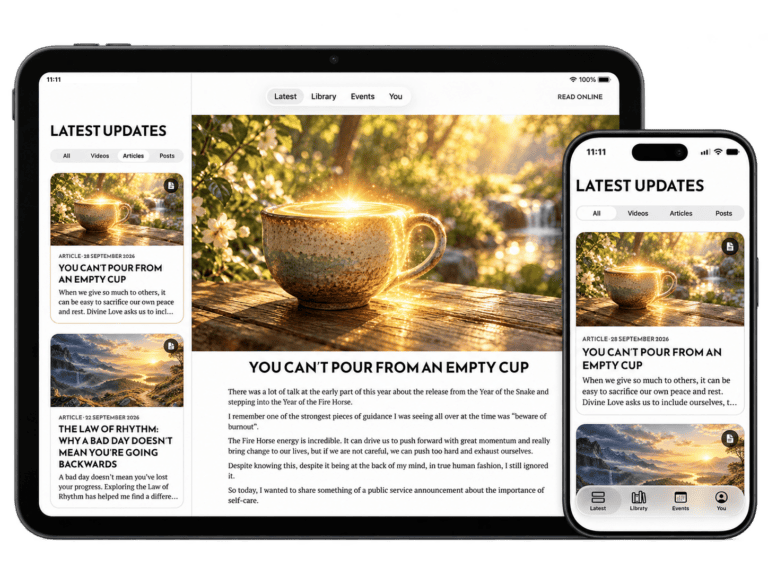
Find my latest videos, articles and updates in one place, with a dedicated space to explore my work at your own pace.
Return to the teachings that matter to you
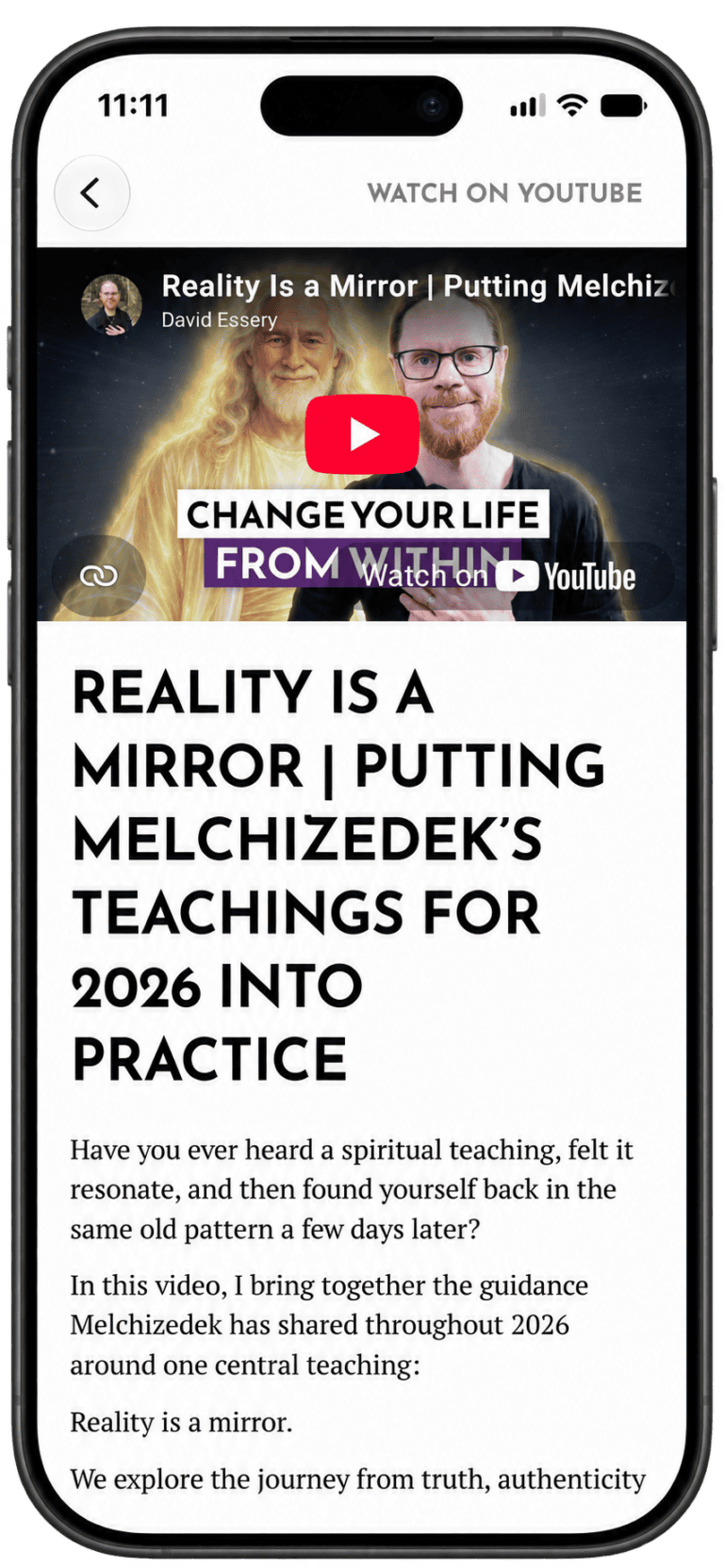
Find your available workshop and course recordings together in your Library. Revisit a practice, explore something more deeply or pick up where you left off, all just a few taps away.
Join your next workshop with ease
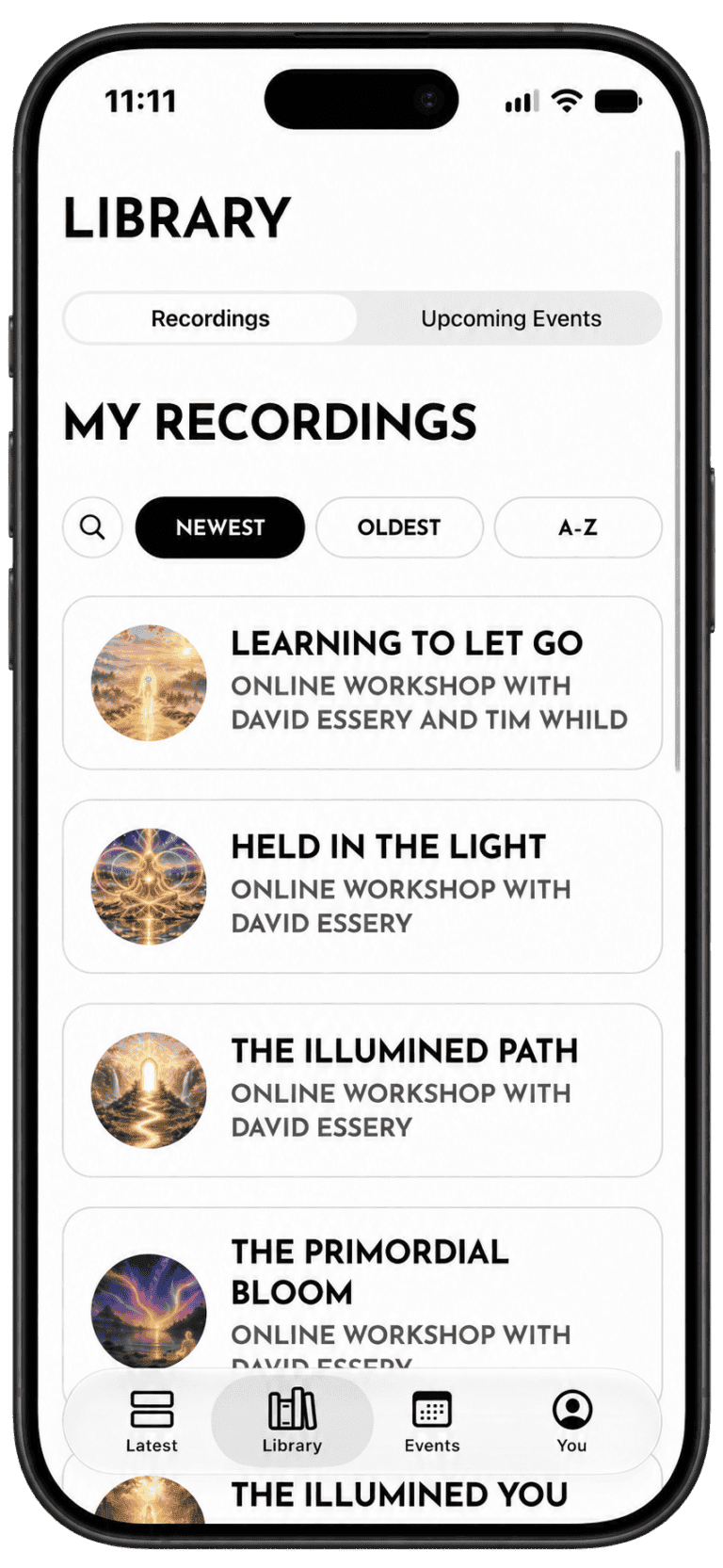
Find your workshop bookings and joining details in one place, with session times shown in your local time zone. When it’s time, tap to open the session in Zoom without searching through your emails.
Available wherever you are
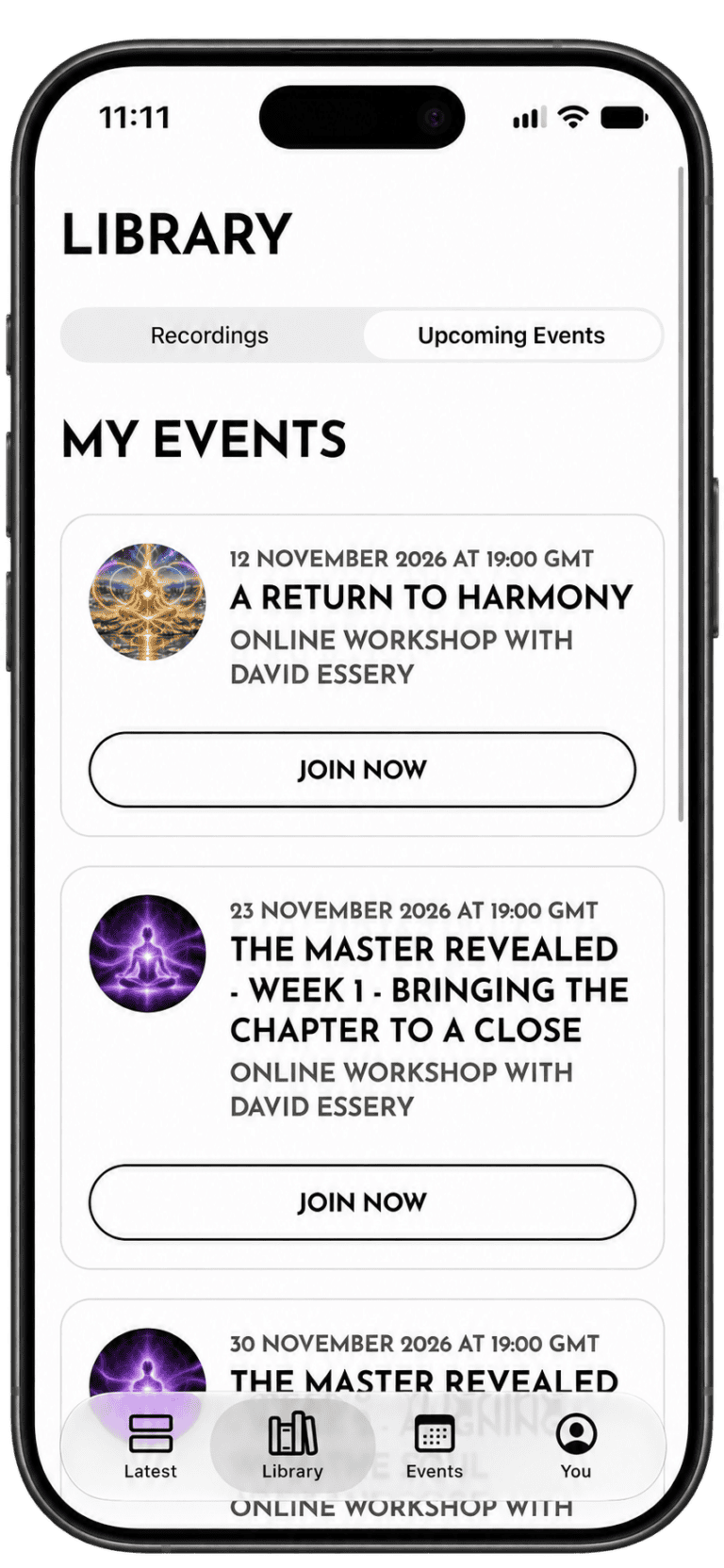
Enjoy the David Essery app on iPhone, iPad, Android phones and tablets. Watch, read and revisit your workshops on whichever screen suits you.
Download the app
Download the free David Essery app and keep my latest videos, articles and your workshops close at hand.
Frequently asked questions
Is the app free?
Yes, the app is free to download. You can watch public videos, read articles and browse updates without paying or signing in. If you’ve purchased workshops, you can also sign in to access the recordings and bookings available to your account.
Do I need to sign in?
You can explore public videos, articles and updates without signing in.
To access your workshop recordings and bookings, sign in using your existing website account. If you haven’t created an account yet, you can do so in the app. Just use the same email address you used when booking so your content can be matched to you.
How do I access my workshop recordings and bookings?
Sign in to the app using your existing website account, then open your Library to find your recordings and upcoming bookings.
If you don’t have an account yet, create one using the same email address you used when booking so your content can be matched to you.
What if my recordings are linked to different email addresses?
You can link your accounts together inside the app, bringing your workshop recordings and bookings into one Library. Open the Settings by clicking the cog icon in the top right corner of the Latest tab, select Alternate Emails and follow the steps to add your other email addresses.
What if a recording or booking is missing?
First, check that you’re signed in using the email address you used when booking. If you used a different address, you can add it in Settings by clicking the cog icon in the top right corner of the Latest tab
If something is still missing, get in touch through using the Support option under settings and we’ll help you find it.
Do I need Zoom installed to join a workshop?
Yes, please install the Zoom app before your workshop begins. When it’s time to join, open your booking in the David Essery app and tap Join now to open the session in Zoom.
Can I book workshops through the app?
Bookings are made through my website. Once you’ve booked, your workshop will appear in the app’s Library, provided you’re signed in with the same email address you used when booking.
Explore, revisit and stay connected
Download free for iPhone, iPad and Android Phone and Tablet.